3D Gaussian splats from one photo · Mac
Step into any photo.
Depth turns a single photo into a 3D scene on your Mac, then flies a camera through it.
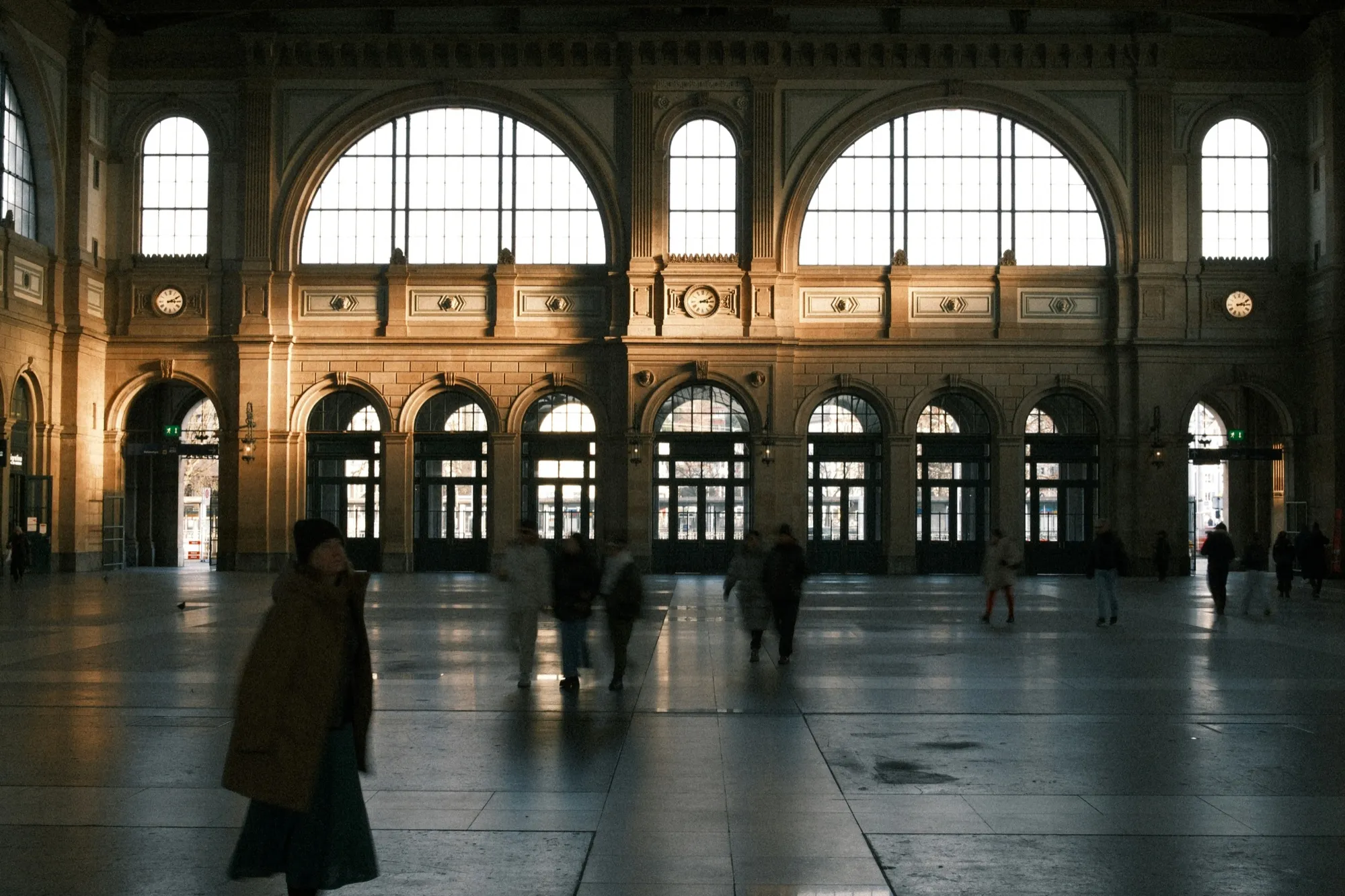
Zürich HBscroll to play
01Gallery
Neon, rain, oil paint. Any picture.
Night streets and old paintings: every scene here started as one flat picture. Drag to look around.

Night photoLantern alley
02Generate
One photo in. A scene out.
Drop a JPEG, PNG or HEIC. Apple's SHARP model reads it on your Mac and rebuilds it as about 1.2 million splats, in front of and behind each other.
03Direct
Set keyframes. Press play.
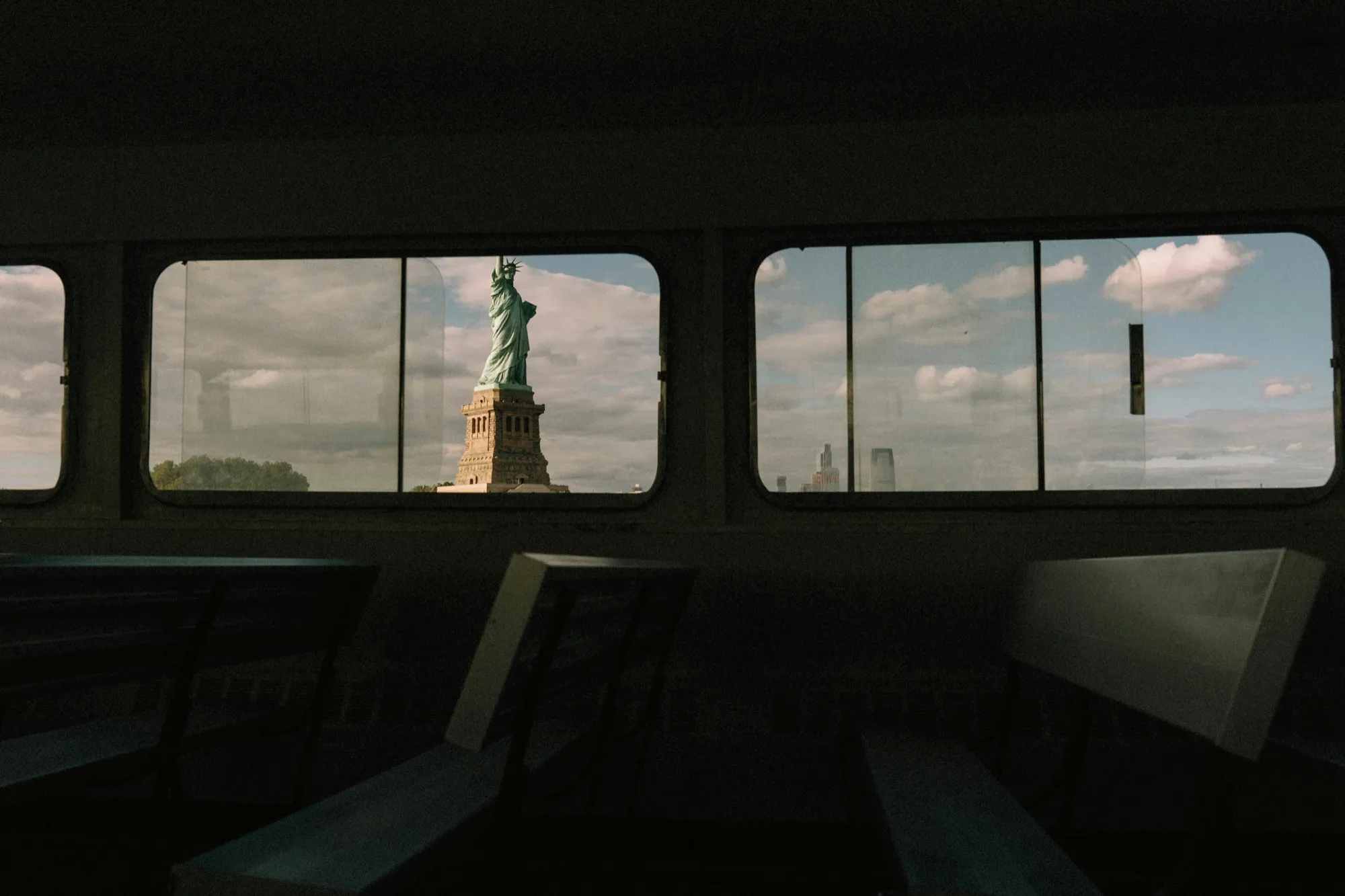
Move the camera, add a keyframe, move again. Depth eases from one to the next and loops back to the start.
Create 360Zürich HBTry it: drag the scene, scrub the timeline, switch pages.
- DragOrbit
- Right-dragPan
- ScrollZoom
- WASDMove
- QEUp and down
- RReset the view
- SpacePlay the timeline
- ⌫Delete a keyframe
04Details
From photo to file.
Many photos at once
Drop a whole set. Each photo becomes a page, worked through one after another.
Create 360
Ten views around the scene, each through SHARP again, merged into one fuller splat.
Export PNG
Save the view you're looking at as an image. ⇧⌘E.
Export PLY
The splat itself, in the standard format other splat tools open.
Save the project
Every page and its timeline in one .depth file. ⌘S.
Fly with the keyboard
Walk through the scene with W A S D, like a game.
05Private
Stays on your Mac.
Your photos never leave it. The whole model runs right there.
On your Mac
SHARP runs with Core ML on your Mac's Neural Engine, GPU and CPU. Your photos are never uploaded.
Offline
Depth doesn't go online at all. The model is part of the app.
Your files
It opens only the photos and projects you pick, and saves only where you say. Scenes wait in a temporary folder until you do.
No account
No sign-up, no analytics, no tracking.

Get Depth